
Adobe Dimension 4.1.10 (x64) Multilingual Download – Free Trial for Windows & Mac
Adobe Dimension is a 3D design and rendering application that helps you turn ordinary graphics and product ideas into realistic 3D visuals. It’s made for designers, marketers, and creative professionals who want to create product mockups, packaging designs, branding images, and advertising visuals without learning a complicated 3D modeling workflow.
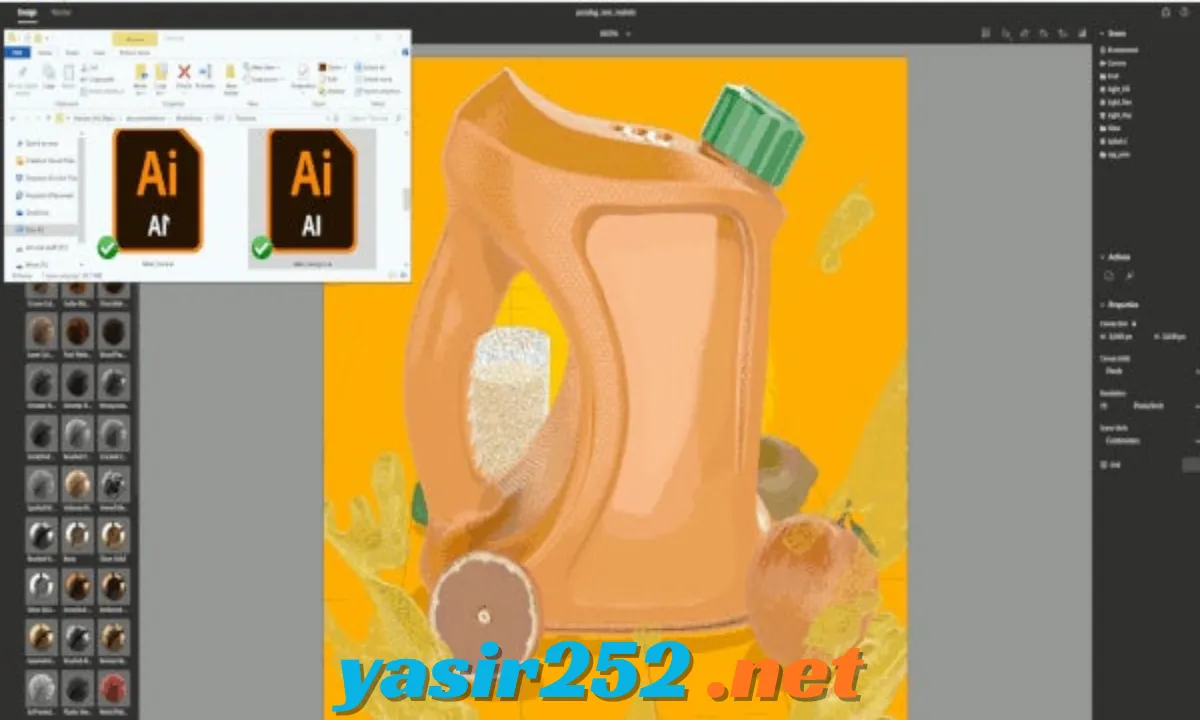
The cool thing about Dimension is how easily it combines 2D graphics with 3D models. You can import artwork from Photoshop or Illustrator, apply it to 3D objects, customize materials, adjust lighting, and render professional-looking images. If you’re searching for Adobe Dimension free download, you can access the application through Adobe’s official Creative Cloud plan and its eligible free trial.
| Part / Link | Rapidgator / DDownload | Nitroflare |
| Dimension v4.1.10 (Part 1) | 🟢 DOWNLOAD | 🔴 DOWNLOAD |
| Dimension v4.1.10 (Part 2) | 🟢 DOWNLOAD | 🔴 DOWNLOAD |
Adobe Dimension – Software Information
| Field | Details |
|---|---|
| Title | Adobe Dimension |
| Version | 4.1.9 |
| Genre | 3D Design & Rendering Software |
| Developer | Adobe Inc. |
| Publisher | Adobe Inc. |
| Franchise | Adobe Creative Cloud |
| Initial Release Date | October 18, 2017 |
| Latest Update | October 2026 |
| Platform | Windows and macOS |
| License | Commercial / Trial |
What Is Adobe Dimension?
Adobe Dimension is a creative application designed to make 3D visualization easier for graphic designers. Instead of building every object from scratch, you can import ready-made models, add your own graphics, apply materials, and arrange everything into a complete scene. It’s especially useful for creating product packaging, logo presentations, branded content, and realistic advertising images.
The application also connects with other Adobe tools, making it easier to bring artwork from Photoshop and Illustrator into a 3D environment. You can experiment with camera angles, lighting, reflections, and materials before rendering your final design. Basically, it gives you a virtual product photography studio right on your computer.
Important Features of Adobe Dimension
– 3D Scene Creation: Build professional-looking scenes by combining 3D models, images, graphics, and other creative assets. Arrange everything in one workspace to create product presentations and visual compositions.
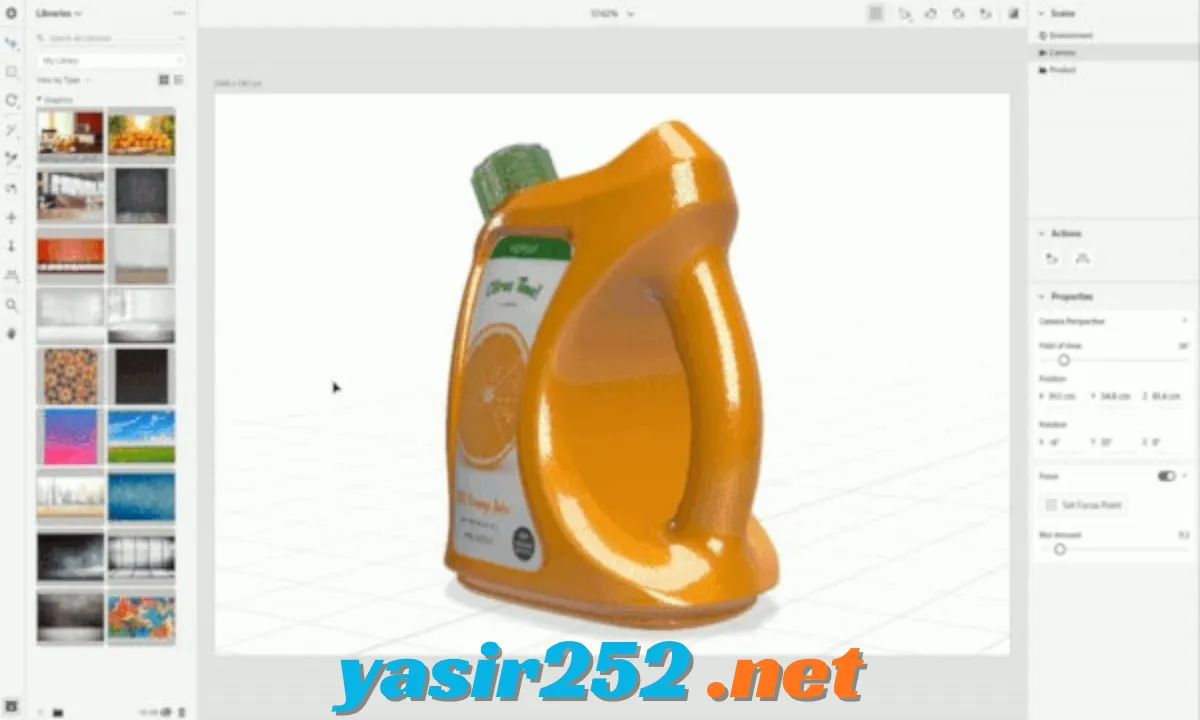
– Photorealistic Rendering: Generate realistic images using Dimension’s rendering technology. It helps bring materials, lighting, shadows, and reflections together for polished results.
– 2D-to-3D Compositing: Place 2D graphics and images onto 3D models. This is useful for previewing logos, labels, packaging artwork, and branding designs in a realistic environment.
– 3D Model Importing: Import compatible 3D models from other design applications. You can use your own assets or choose from available Adobe Stock resources.
– Material Customization: Adjust the appearance of 3D objects with different materials and surface properties. Create visual finishes for packaging, plastic, metal, and other product surfaces.
– Advanced Lighting: Add multiple light sources and customize their color, size, shape, and position. You can create studio-style lighting for professional product images.
– Image-Based Lighting: Use background images and environment lighting to help match your 3D scene with a real-world setting. This makes product compositions look more natural.
– Match Image: Match the perspective and lighting of a 3D scene with a reference photograph. This feature is particularly helpful when placing virtual products into existing backgrounds.
– 3D Text Creation: Create 3D typography directly inside the application. You can use installed fonts and customize text with materials to produce logos, titles, and promotional designs.
– Custom Shapes: Add and customize basic 3D shapes such as boxes, spheres, and other objects. These can be used to build simple scenes and support more detailed compositions.
– Camera Controls: Create multiple camera objects with different viewpoints and resolutions. Save different perspectives for product shots and presentation images.
– Align and Distribute Tools: Arrange objects more accurately with alignment and distribution controls. These tools help keep layouts organized and balanced.
– Bounding Box Snapping: Use snapping features to position objects more precisely. This makes it easier to align models and organize complex scenes.
– Adobe Photoshop Integration: Bring Photoshop artwork into Dimension and apply it to 3D models. This creates a practical workflow for designers who already use Adobe’s image-editing tools.
– Adobe Illustrator Integration: Use vector graphics and illustrations in your 3D compositions. It’s useful for applying logos, labels, and branding elements to product models.
– Adobe Stock Assets: Access compatible 3D models, materials, lights, and graphics through Adobe Stock. Dimension also includes a starter library with free models, materials, and lighting assets.
– Turntable Animation Workflow: Prepare product visualizations for turntable-style animation. The turntable animation preset is rendered through Substance 3D Stager.
– Multiple Render Formats: Export rendered work in supported image formats, including JPG and other available output options. This gives you flexibility when preparing images for websites and presentations.
– Updated Rendering Engine: Version 4.0 introduced updated real-time and ray-tracing rendering engines, along with improvements to material handling and lighting.
– Creative Cloud Integration: Use Dimension as part of Adobe’s Creative Cloud ecosystem. It provides a connected workflow for managing and creating professional design projects.
What’s New in Adobe Dimension 4.1.9?
Adobe Dimension 4.1.9 is the security update released in October 2026.
-
Security Improvements: Addresses reported security vulnerabilities affecting earlier versions.
-
Updated Version: Adobe recommends updating to version 4.1.9.
-
Windows and macOS Support: The security update is available for both supported desktop platforms.
Adobe Dimension 4.1.9 is primarily a security update, not a major new feature release.
Is Adobe Dimension Free to Download?
Adobe Dimension is commercial software, not a permanently free application. It is included with eligible Adobe Creative Cloud plans, and Adobe advertises a 7-day free trial for the Creative Cloud Pro plan.
After the trial, the subscription becomes paid according to the selected plan unless you cancel before the trial expires. The price can vary by country, taxes, and subscription terms.
| License Type | Availability |
|---|---|
| Permanent Free Version | Not available |
| Free Trial | 7 days through the eligible Creative Cloud Pro offer |
| Paid Version | Available through Adobe Creative Cloud Pro |
| Subscription Price | US$69.99/month after the advertised trial; regional pricing may vary |
| Activation | Adobe account and internet connection required |
Important: Adobe Dimension is still supported and available through Creative Cloud, but it may not appear in the default app list. You may need to enable Show older apps in Creative Cloud preferences to find it.
System Requirements for Adobe Dimension
Adobe Dimension works best on a desktop or laptop with a dedicated graphics card, sufficient RAM, and SSD storage. Check the following requirements before downloading the application.
| Component | Minimum Requirements | Recommended Requirements |
|---|---|---|
| Operating System (Windows) | Windows 11 64-bit, Version 23H2 | Windows 11 64-bit, Version 24H1 |
| Processor | Intel Core i5 / AMD Ryzen 5 | Intel Core i7 / AMD Ryzen 7 |
| RAM | 16 GB | 32 GB |
| Graphics Card | NVIDIA RTX 2060 Super / Quadro RTX 4000 / AMD RX 5700 XT | NVIDIA RTX 3080 / Quadro RTX A4000 / AMD RX 6800 XT |
| VRAM | 8 GB | 16 GB |
| Storage | SSD with 30 GB available | SSD with 50 GB available |
macOS Requirements:
| Component | Minimum | Recommended |
|---|---|---|
| Operating System | macOS 12 Monterey | macOS 13 Ventura |
| Processor / GPU | Apple M1 | Apple M2 Pro |
| RAM | 16 GB | 32 GB |
| Storage | SSD with 30 GB available | SSD with 50 GB available |
Note: Apple M1, M2, and M3 devices run Dimension in emulation mode, which may affect performance. GPU rendering is available on Windows with supported NVIDIA graphics cards.
How to Download Adobe Dimension
Follow these steps to get Adobe Dimension from the official Adobe website:
-
Visit the official Adobe Dimension website.
-
Select the available Creative Cloud plan or free trial option.
-
Sign in using your Adobe account.
-
Download and install the Adobe Creative Cloud desktop application if required.
-
Open Creative Cloud and go to Account > Preferences > Apps.
-
Enable Show older apps to make Dimension available in the application list.
-
Open the Apps section and locate Adobe Dimension.
-
Select Install and wait for the installation to finish.
-
Launch Dimension and sign in with your Adobe account.
Official download page
Download Adobe Dimension from Adobe
How to Use Adobe Dimension
Step 1 – Start a Project: Open Adobe Dimension and create a new project. You’ll see the main workspace where you can build and customize your 3D scene.
Step 2 – Import 3D Models: Add compatible 3D models from your computer or use available assets from the starter library.
Step 3 – Add Graphics: Import artwork from Photoshop or Illustrator and place it onto your 3D models to create labels, logos, and packaging designs.
Step 4 – Customize Materials: Adjust materials and surface properties to give objects the appearance you want.
Step 5 – Set Up Lighting: Add different light sources and adjust their position, size, shape, and color to create realistic shadows and reflections.
Step 6 – Adjust the Camera: Choose the best camera angle and create different viewpoints for your project.
Step 7 – Render Your Design: Use the rendering workspace to generate your final image and export it in a supported format.
Frequently Asked Questions
1. Is Adobe Dimension free?
No. Adobe Dimension is commercial software. You can access it through an eligible Creative Cloud plan, with a 7-day free trial advertised for Creative Cloud Pro.
2. What is the latest version of Adobe Dimension?
Version 4.1.9 is the latest version identified in Adobe’s October 2026 security update.
3. Can I download Adobe Dimension for Windows 11?
Yes. Adobe lists Windows 11 64-bit as its supported Windows platform.
4. Does Adobe Dimension work on macOS?
Yes. Adobe supports macOS, including Apple Silicon devices running in emulation mode.
5. What is Adobe Dimension used for?
It is used to create 3D product mockups, packaging designs, branding visuals, advertising images, and photorealistic compositions.
6. Can I use Photoshop files in Adobe Dimension?
Yes. You can bring graphics and images created in Photoshop into Dimension and apply them to 3D models.
7. Does Adobe Dimension support Illustrator?
Yes. You can use vector artwork and graphics from Illustrator in your 3D design projects.
8. Can I create 3D text in Adobe Dimension?
Yes. Dimension includes tools for creating and customizing 3D text using fonts installed on your computer.
9. Does Adobe Dimension support ray tracing?
Yes. Its rendering system includes real-time and ray-tracing modes.
10. Is Adobe Dimension included in Creative Cloud?
It is available through eligible Creative Cloud plans. Check Adobe’s current plan details for your region.
11. Why can’t I find Adobe Dimension in Creative Cloud?
You may need to open Creative Cloud preferences, go to Account > Preferences > Apps, and enable Show older apps.
12. Is Adobe Dimension better than Substance 3D Stager?
Both applications are designed for 3D scene creation and product visualization. Stager offers a more advanced staging workflow, while Dimension remains useful for established 3D compositing and product mockup projects.
Conclusion
Adobe Dimension is a useful 3D design application for anyone creating product mockups, packaging visuals, branding presentations, and realistic advertising images. Its combination of 2D-to-3D compositing, material customization, lighting controls, and photorealistic rendering makes it a practical tool for graphic designers.
If you want to try Adobe Dimension, download it through Creative Cloud and check the available free-trial offer. Remember that it is paid software after the trial, and you may need to enable the older-apps option to install it.