
Avast Free Antivirus Removal Tool Download – Free Avast Clear Utility 2026.11 (v.1)
Avast Free Antivirus Removal Tool, also known as Avast Clear, is a free utility designed to completely uninstall Avast antivirus software from Windows computers. It is especially useful when the regular Windows uninstaller fails, Avast gets stuck during removal, or you see the “Setup is already running” error.
Unlike a standard uninstaller, Avast Clear can restart your PC in Safe Mode and remove Avast program files through a separate removal process. It supports the removal of Avast Free Antivirus and other supported Avast security products, making it a useful option when you want to cleanly remove Avast before installing another antivirus or troubleshooting your system.
Antivirus Removal Tool 2026.11 Download Links
| Part / Link | Official / DDownload | Rapidgator | Nitroflare |
|---|---|---|---|
| Antivirus Removal Tool 2026.11 | 🔵 DOWNLOAD | 🟣 DOWNLOAD | 🟡 DOWNLOAD |
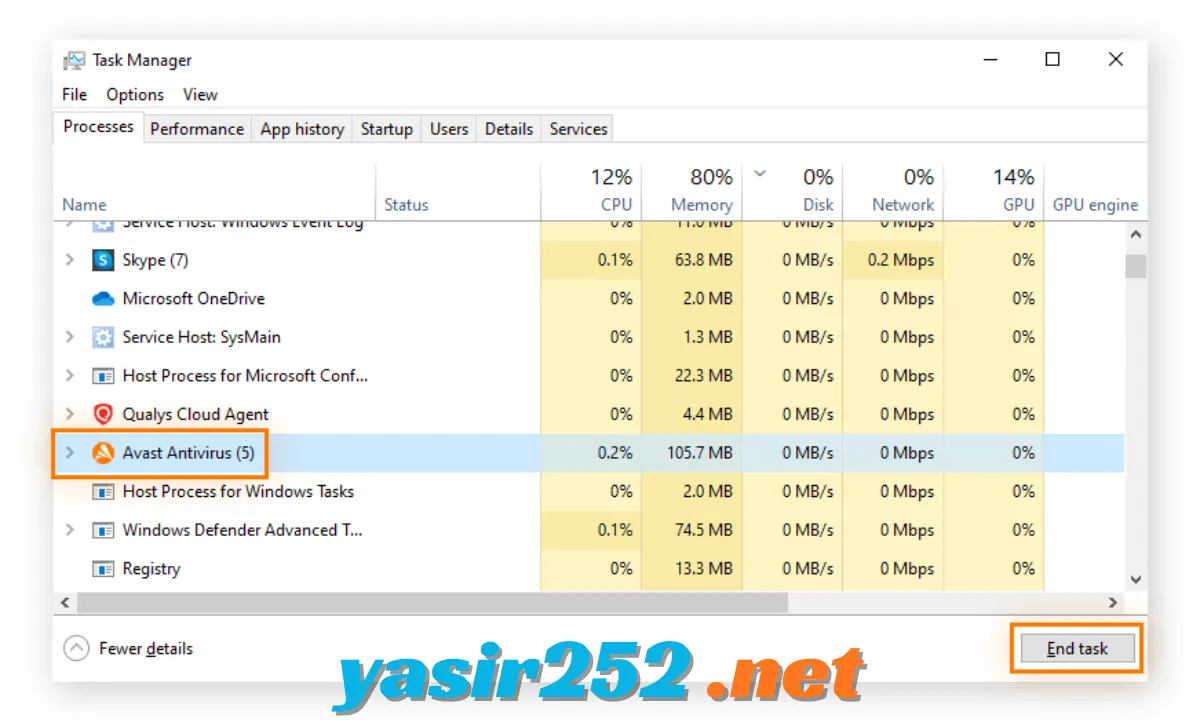
Avast Free Antivirus Removal Tool Information
| Field | Details |
|---|---|
| Software Name | Avast Clear |
| Also Known As | Avast Uninstall Tool |
| Developer | Avast |
| License | Freeware |
| Category | Antivirus Removal Tool |
| Operating System | Windows |
| Latest Version | Check the official download page |
| File Name | avastclear.exe |
| File Type | Standalone Uninstall Utility |
| Main Purpose | Complete Removal of Avast Products |
| Official Website | Avast |
What Is Avast Free Antivirus Removal Tool?
Avast Clear is an official removal utility developed by Avast to help Windows users uninstall Avast security products when the normal removal process does not work correctly. It provides an alternative way to remove antivirus components, program files, and related installation data.
The tool is particularly helpful when Avast refuses to uninstall, its setup process becomes stuck, or Windows displays an error during removal. It works through Windows Safe Mode, where fewer background services are running, allowing the utility to complete the removal process more effectively.
Key Features of Avast Clear
– Complete Avast Removal: Avast Clear helps remove Avast Free Antivirus and its associated program files when the standard uninstaller cannot finish the job.
– Official Avast Utility: Developed by Avast, this tool provides an official way to remove supported Avast security products without relying on third-party uninstallers.
– Safe Mode Support: The utility can restart Windows in Safe Mode, allowing it to remove Avast components without many normal background processes running.
– Fix Uninstallation Errors: It is useful when the regular removal process fails or displays messages such as “Setup is already running.”
– Remove Multiple Avast Products: The utility supports removal of Avast Free Antivirus, Avast Premium Security, and supported Avast One versions.
– Automatic Product Detection: Avast Clear can usually detect the installed Avast product and its installation folder automatically.
– Manual Installation Folder Selection: If automatic detection does not identify the correct location, users can select the folder containing the Avast program files.
– Remove or Reinstall Option: Depending on the available utility interface, users can choose to remove Avast completely or remove it before reinstalling the application.
– Simple User Interface: The removal process uses a straightforward interface with product and installation-location selections.
– Free to Use: Avast Clear is a free removal utility. You do not need to purchase a subscription or activate a paid licence to use it.
Supported Avast Products
Avast Clear supports the removal of several Avast security products. Availability can depend on the version of the utility and the installed product.
| Avast Product | Removal Support |
|---|---|
| Avast Free Antivirus | Yes |
| Avast Premium Security | Yes |
| Avast One | Supported versions |
| Older Avast Antivirus | Version-dependent |
| Avast Secure Browser | Separate removal procedure |
Important: Avast Secure Browser has its own uninstall procedure. Do not assume that removing Avast Antivirus will automatically remove every other Avast application.
When Should You Use Avast Clear?
You do not normally need a dedicated removal utility to uninstall Avast. Windows provides a standard uninstall option that works for most installations.
However, Avast Clear is useful in situations such as:
-
Avast Free Antivirus refuses to uninstall normally.
-
The Windows uninstaller gets stuck during removal.
-
You receive a “Setup is already running” message.
-
Avast installation files are damaged.
-
You want to remove Avast before installing another antivirus.
-
You need to troubleshoot a failed Avast installation or update.
If Avast is working normally, try the standard Windows uninstall method first.
How to Download Avast Free Antivirus Removal Tool
You can download Avast Clear directly from the official Avast website. It is free, and you should avoid unofficial download websites that may distribute modified or outdated installers.
Official Download Page:
https://www.avast.com/en-us/uninstall-utility
Follow these steps:
-
Open the official Avast Uninstall Utility webpage.
-
Find the Avast Clear download option.
-
Download the
avastclear.exefile. -
Save the file somewhere easy to find, such as your Downloads folder.
-
Wait for the download to finish.
-
Keep the downloaded utility available because Windows may restart during the removal process.
The official Avast support page also provides detailed instructions for using the utility.
How to Use Avast Clear to Remove Avast Antivirus
Before starting, save your work and close open applications. The removal process may restart your computer.
-
Download Avast Clear: Download
avastclear.exefrom the official Avast website. -
Run as Administrator: Right-click the downloaded file and select Run as administrator.
-
Allow Permissions: Click Yes if Windows displays a User Account Control prompt.
-
Restart in Safe Mode: Follow the Avast Clear instructions to restart your computer in Safe Mode.
-
Select Avast Product: Choose the Avast product you want to remove.
-
Check Installation Folder: Confirm the folder containing the Avast program files. The utility usually detects it automatically.
-
Start Removal: Select the Remove option or click Uninstall, depending on the utility interface.
-
Wait for Completion: Allow Avast Clear to remove the selected product and its associated files.
-
Restart Windows: Restart your computer when the removal process finishes.
After restarting, Avast should be removed from your Windows computer.
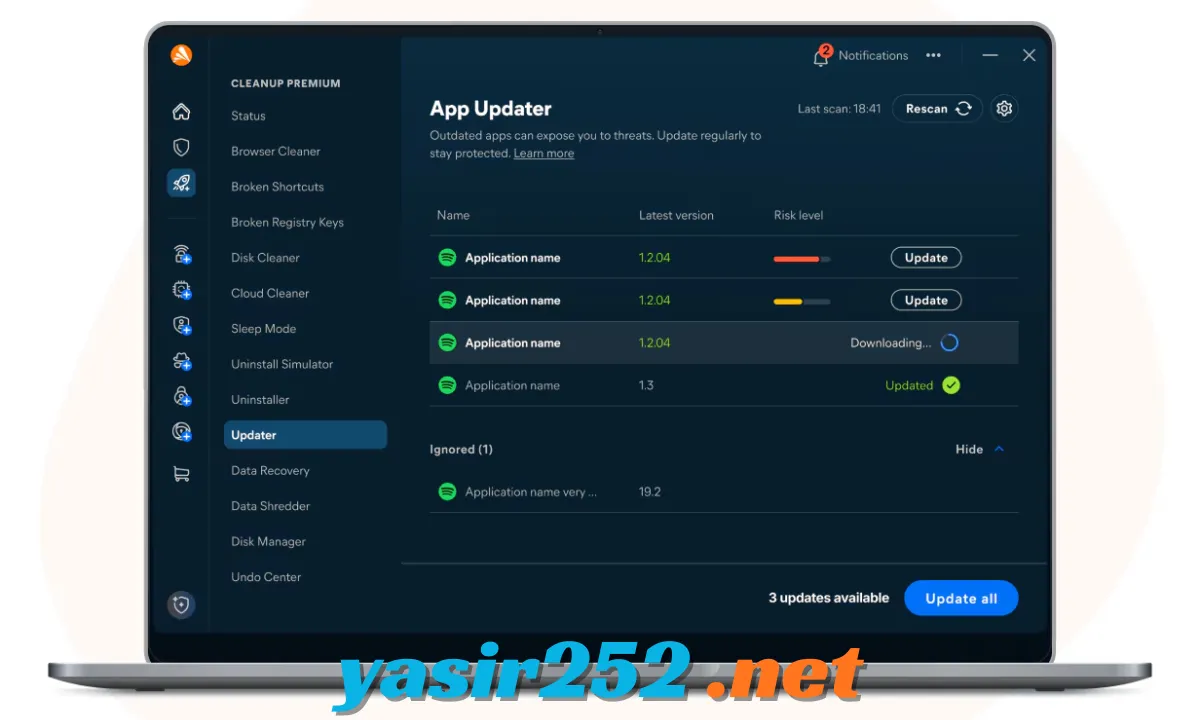
How to Uninstall Avast Without Avast Clear
If Avast is working normally, you can remove it directly through Windows settings.
-
Open Windows Settings.
-
Select Apps.
-
Open Installed Apps or Apps and Features.
-
Find Avast Free Antivirus.
-
Click the three-dot menu beside the application.
-
Select Uninstall.
-
Follow the Avast Setup instructions.
-
Confirm the removal and restart your PC if requested.
If this method fails, use Avast Clear to complete the removal.
System Requirements
Avast Clear is a Windows utility. Exact compatibility can depend on the version of the removal tool and the Avast product installed.
| Requirement | Details |
|---|---|
| Operating System | Windows |
| Windows 10 | Supported |
| Windows 11 | Supported |
| Processor | Compatible Windows processor |
| RAM | Depends on Windows system requirements |
| Storage | Space for downloading and running the utility |
| Administrator Rights | Required |
| Internet Connection | Required to download the utility |
| Safe Mode | Used during the removal process |
For older Avast Free Antivirus version 18.8 installations on Windows XP, Avast provides a separate legacy removal utility. Use the version appropriate for your installed Avast product.
Is Avast Free Antivirus Removal Tool Really Free?
Yes. Avast Clear is a free utility provided by Avast. It does not require a paid subscription, licence key, or trial activation to remove supported Avast products.
However, remember that Avast Clear is not an antivirus program. It does not scan your computer for malware or provide real-time protection. Its purpose is to uninstall Avast software.
Once Avast Free Antivirus has been removed, your computer will no longer receive protection from that Avast installation. Make sure Windows Security or another trusted antivirus solution is active if you plan to continue using the computer.
Advantages and Disadvantages
| Advantages | Disadvantages |
|---|---|
| Completely free removal utility | Designed for Windows only |
| Officially developed by Avast | Requires administrator permissions |
| Helps fix uninstall problems | May require a Safe Mode restart |
| Removes supported Avast products | Not intended for removing every third-party antivirus |
| Simple removal process | Does not provide malware protection |
| Useful for troubleshooting damaged installations | Older products may require a legacy version |
Frequently Asked Questions
1. What is Avast Free Antivirus Removal Tool?
Avast Free Antivirus Removal Tool, also known as Avast Clear, is an official free utility that helps remove Avast antivirus software from Windows computers.
2. Is Avast Clear free to download?
Yes. Avast Clear is free to download and use. It does not require a paid subscription or activation key.
3. Is Avast Clear the same as Avast Uninstall Tool?
Yes. Avast Clear is commonly known as the Avast Uninstall Tool. Both names refer to Avast’s dedicated antivirus removal utility.
4. Can Avast Clear remove Avast Free Antivirus?
Yes. Avast Clear supports the removal of Avast Free Antivirus, including situations where the normal Windows uninstaller does not work.
5. Does Avast Clear work on Windows 11?
Yes. The current Avast removal utility supports Windows 11, although compatibility can depend on the installed Avast product and utility version.
6. Why should I use Avast Clear?
Use Avast Clear when Avast refuses to uninstall, the normal removal process gets stuck, or Windows displays a setup-related error.
7. Does Avast Clear require Safe Mode?
The recommended removal procedure uses Windows Safe Mode. Avast Clear can guide you through restarting your computer in Safe Mode before removing the antivirus.
8. Can Avast Clear remove Avast Premium Security?
Yes. The utility supports Avast Premium Security removal as well as Avast Free Antivirus and supported Avast One versions.
9. Does Avast Clear remove all Avast files?
It is designed to remove the selected supported Avast product and its associated files. However, it should not be treated as a universal cleaner for every Avast application or unrelated file.
10. Can I reinstall Avast after using Avast Clear?
Yes. You can download and reinstall Avast after removing it. Make sure you use the latest installer from the official Avast website.
11. Does Avast Clear remove viruses?
No. Avast Clear is an uninstall utility, not a malware scanner. It removes Avast software but does not scan your computer for viruses.
12. Is Avast Clear safe to use?
The official Avast Clear utility is developed by Avast for removing its own supported products. Download it from the official Avast website and follow the instructions carefully.
13. What is the file name of Avast Clear?
The traditional Avast Clear download uses the filename avastclear.exe.
14. Does uninstalling Avast cancel a paid subscription?
No. Removing Avast software does not automatically cancel a paid Avast subscription. You must manage subscription cancellation separately through your Avast account or the relevant payment provider.
15. Can I use Avast Clear to uninstall other antivirus programs?
No. Avast Clear is designed specifically for supported Avast products. Other antivirus programs generally require their own removal utilities.
Conclusion
Avast Free Antivirus Removal Tool is a useful free utility for Windows users who have trouble uninstalling Avast through the normal Windows removal process. Its Safe Mode removal method, support for multiple Avast security products, and simple interface make it a practical troubleshooting option.
If you want to remove Avast Free Antivirus completely, fix an uninstall error, or prepare your PC for another antivirus application, Avast Clear is worth using. Always download the utility from the official Avast website and confirm that your computer has another active security solution after removal.