
MediaHuman YouTube to MP3 Converter 3.9.24 (0511) Multilingual (x64) Full Download (2026)
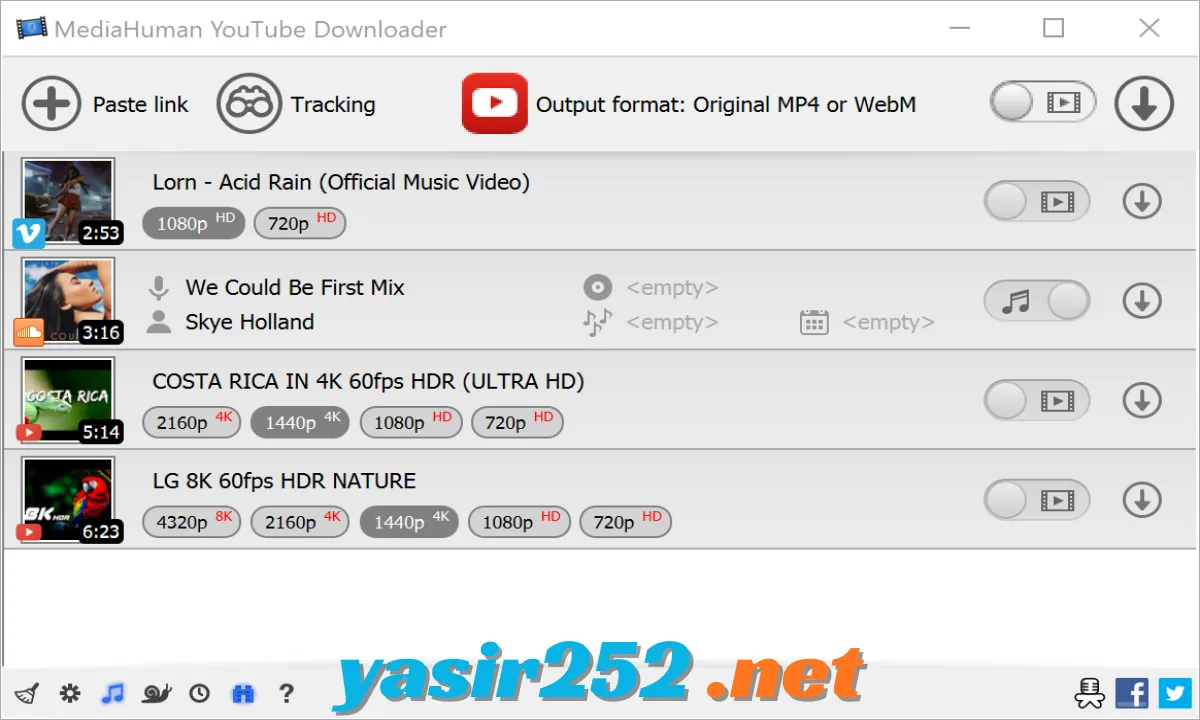
MediaHuman YouTube to MP3 Converter is a simple desktop application that lets you save audio from YouTube and several other supported websites. It can extract audio from videos and playlists, then save it as MP3 or in its original audio format for offline listening.
The best part is that the software is available as a free download for Windows, macOS, and Ubuntu Linux. It also offers playlist downloading, automatic track information, cover art editing, and simultaneous downloads, making it useful for organizing your audio collection without relying on online converter websites.
MediaHuman YouTube to MP3 Converter 3.9.24 (0511) Download Links
| Part / Link | Rapidgator / DDownload | Nitroflare |
|---|---|---|
| MediaHuman YouTube to MP3 Converter 3.9.24 | 🟣 DOWNLOAD | 🟡 DOWNLOAD |
MediaHuman YouTube to MP3 Converter Information
| Information | Details |
|---|---|
| Software Name | MediaHuman YouTube to MP3 Converter |
| Latest Version | 3.9.24 |
| Release Update | October 2, 2026 |
| Developer | MediaHuman |
| License | Freeware (optional paid features may apply) |
| Category | Audio Downloader / Audio Converter |
| Operating System | Windows, macOS, Ubuntu Linux |
| Architecture | 32-bit and 64-bit Windows; Intel and Apple Silicon Mac builds |
| Supported Audio | MP3, M4A, AAC, OGG and original audio formats |
| Maximum MP3 Quality | Up to 320 kbps |
| Installation Size | Approximately 120 MB of free disk space recommended |
| Official Website | https://www.mediahuman.com/ |
What Is MediaHuman YouTube to MP3 Converter?
MediaHuman YouTube to MP3 Converter is an audio downloading application designed for people who want to save audio tracks from supported online video and music platforms. Instead of downloading an entire video, the program can extract its audio stream and save it as an MP3 file or preserve the original audio format when available.
The application is also useful for downloading complete playlists and channels. It automatically detects available track information, supports cover art editing, and can transfer downloaded tracks to iTunes or the Apple Music app on supported systems.
Key Features of MediaHuman YouTube to MP3 Converter
– YouTube to MP3 Conversion: Extract audio from supported YouTube videos and save it as MP3 files for offline listening.
– High-Quality Audio: Download audio at the highest available quality, with MP3 output reaching up to 320 kbps when the source supports it.
– Playlist Downloading: Add an entire YouTube playlist and download its available tracks without processing every video separately.
– Channel Downloading: Download audio from supported channels and manage multiple tracks through one application.
– Automatic Playlist Updates: Subscribe to playlists or channels and let the software check for newly uploaded videos.
– Multiple Downloads: Process several tracks simultaneously instead of waiting for each download to finish individually.
– Original Audio Preservation: Save supported audio streams in their original M4A or AAC format without unnecessary conversion.
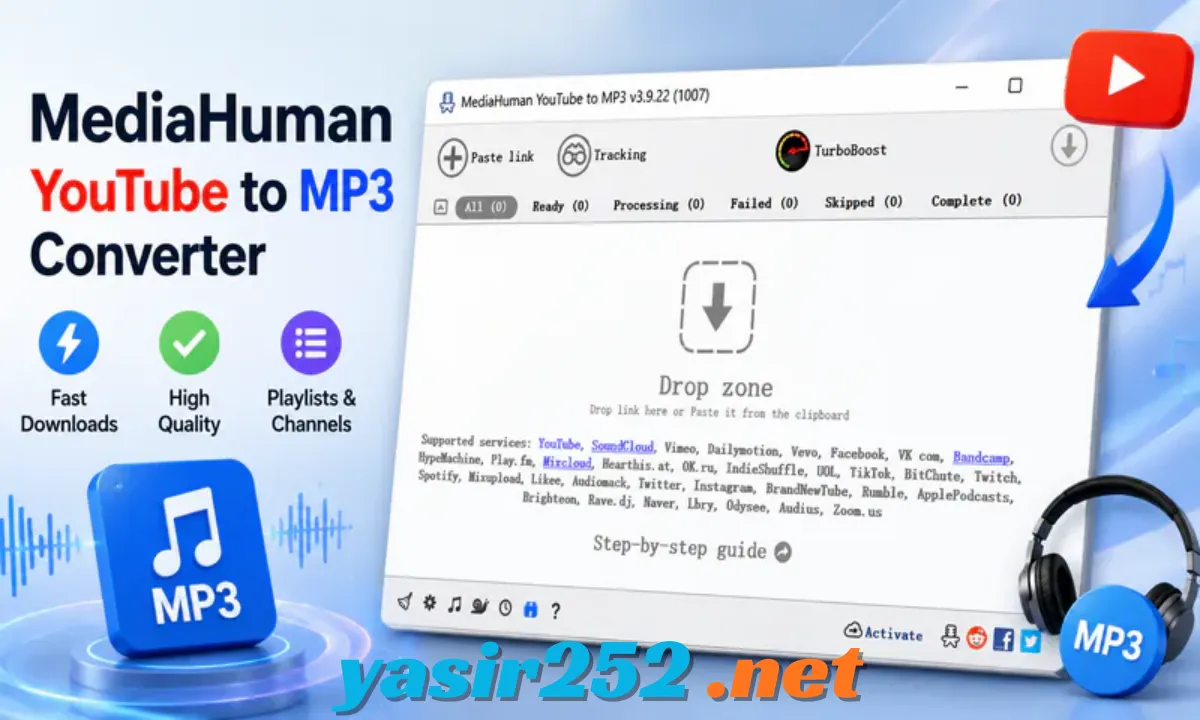
– Multiple Website Support: Work with supported platforms such as YouTube, Vimeo, SoundCloud, Mixcloud, Bandcamp, and other listed services.
– Automatic Track Information: Detect artist names and track titles and save available information in the downloaded audio files.
– Built-In Tag Editor: Edit audio metadata to organize your music collection with the correct track names and artist details.
– Cover Art Support: Add or change cover artwork for downloaded audio files to make your music library look more organized.
– Clipboard Monitoring: Copy a supported video URL and let the application add it to the download queue automatically.
– iTunes and Music App Integration: Automatically transfer downloaded tracks to your iTunes or Music.app library on supported systems.
– Faster Audio Extraction: Retrieve the audio stream without downloading the entire video, which can reduce unnecessary data usage and waiting time.
– Multilingual Interface: Use the application in several languages, including English, Indonesian, Spanish, German, French, and more.
– Cross-Platform Availability: Download the appropriate version for Windows, macOS, or Ubuntu Linux.
Supported Websites
MediaHuman supports audio downloading from multiple online platforms. Availability can change as websites update their services.
| Website | Supported Use |
|---|---|
| YouTube | Extract audio from supported videos and playlists |
| Vimeo | Download supported audio |
| SoundCloud | Save supported tracks |
| Mixcloud | Download supported mixes |
| Bandcamp | Save supported music |
| Dailymotion | Extract available audio |
| Audiomack | Access supported audio |
| Extract audio from supported videos | |
| Bilibili | Download supported content |
| Rumble | Extract supported audio |
Some websites may change their technical systems or access requirements, so individual links may not always work.
Supported Audio Formats
| Format | Description |
|---|---|
| MP3 | Popular compressed audio format for music players |
| M4A | Audio container commonly used with AAC |
| AAC | Compressed audio format with efficient quality |
| OGG | Open audio container and codec family |
| Original Audio | Preserve the available source audio without conversion when supported |
System Requirements
Before installing MediaHuman YouTube to MP3 Converter, check the following requirements.
| Requirement | Minimum / Supported Details |
|---|---|
| Operating System | Windows 7, 8, 10, or 11 |
| Windows Architecture | 32-bit or 64-bit |
| macOS | Supported versions from macOS 10.12 onward, as listed by the developer |
| Linux | Ubuntu 20.04 or later |
| Processor | Intel, AMD, or supported Apple Silicon |
| RAM | Not specifically stated by the developer |
| Storage | Approximately 120 MB of free disk space |
| Internet | Required for online audio downloads |
Note: Check the official download page for the correct installer for your operating system and processor.
Is MediaHuman YouTube to MP3 Converter Free?
Yes. MediaHuman YouTube to MP3 Converter is available as a free application, and its core audio downloading features can be used without purchasing a standard subscription.
However, do not confuse the free converter with optional features or promotional trials that may have separate conditions. Check the current licensing information if you want to use any additional paid functionality.
For a safe installation, download the application directly from MediaHuman’s official website rather than using modified or repackaged installers.
How to Download MediaHuman YouTube to MP3 Converter
Follow these steps to download the official version:
-
Visit the official MediaHuman download page.
-
Find YouTube to MP3 Converter in the available products.
-
Select the installer for Windows, macOS, or Ubuntu Linux.
-
Wait for the download to finish.
-
Open the downloaded installation file.
-
Follow the setup instructions to install the application.
Official Download Page: https://www.mediahuman.com/download3.html
How to Install MediaHuman YouTube to MP3 Converter
-
Locate the downloaded installer on your computer.
-
Double-click the installation file.
-
Follow the on-screen setup instructions.
-
Allow the installation process to complete.
-
Launch MediaHuman YouTube to MP3 Converter.
-
Open the application preferences if you want to adjust audio quality or download settings.
How to Convert YouTube Videos to MP3
-
Open YouTube in your web browser.
-
Find the video containing audio you have permission to download.
-
Copy the video URL from the browser’s address bar.
-
Open MediaHuman YouTube to MP3 Converter.
-
Paste the copied link into the application.
-
Select the available audio format and quality.
-
Start the download.
-
Open the destination folder to find your downloaded audio file.
The application can also detect copied links through clipboard monitoring, depending on your settings.
Advantages and Disadvantages
| Advantages | Disadvantages |
|---|---|
| Free core application | Requires an internet connection |
| Supports playlist downloads | Some websites may change compatibility |
| MP3 quality up to 320 kbps | Not every source provides high-quality audio |
| Supports multiple platforms | Certain downloads may require additional authorization |
| Automatic track information | Interface is focused mainly on audio downloading |
| Built-in tag and cover art editor | Optional features may have separate licensing |
| Available for Windows, macOS, and Linux | Some protected streams cannot be downloaded |
Frequently Asked Questions
1. Is MediaHuman YouTube to MP3 Converter free?
Yes. The application is available as freeware, with its core downloading features offered without a standard subscription.
2. What is the latest version of MediaHuman YouTube to MP3 Converter?
Version 3.9.24 is listed on the official product page, updated October 2, 2026. Check the developer’s download page for any newer release.
3. Does MediaHuman support Windows 11?
Yes. The developer lists Windows 11 among the supported operating systems.
4. Can I download complete YouTube playlists?
Yes. The software supports downloading available audio from complete playlists.
5. Does MediaHuman support SoundCloud?
Yes. SoundCloud is among the supported platforms, although availability may depend on the specific track and current website restrictions.
6. Can MediaHuman download audio in 320 kbps?
Yes. It supports MP3 downloads at up to 320 kbps when the original audio source provides sufficient quality.
7. Can I download audio without converting it?
Yes. The application can preserve supported original audio formats, including M4A and AAC, without unnecessary conversion.
8. Does MediaHuman support macOS?
Yes. It provides builds for Intel-based Macs and Apple Silicon systems.
9. Is MediaHuman available for Linux?
Yes. The developer provides Ubuntu Linux downloads, including 32-bit and 64-bit options.
10. Can I edit MP3 tags with MediaHuman?
Yes. Its built-in tag editor lets you change track information and manage cover artwork.
11. Can MediaHuman automatically download new playlist tracks?
Yes. You can subscribe to supported playlists or channels so the application can check for newly uploaded videos.
12. Does MediaHuman support simultaneous downloads?
Yes. It can download several tracks at the same time, depending on your preferences and available system resources.
13. Can I transfer downloaded music to iTunes?
Yes. The application includes an option to automatically add downloaded tracks to an iTunes or Music.app library on supported systems.
14. Why is a YouTube link not downloading?
A link may fail because of website changes, unsupported content, access restrictions, regional availability, or protected streams. Updating the application may help with compatibility issues.
15. Is MediaHuman YouTube to MP3 Converter safe?
Download the installer from the official MediaHuman website to reduce the risk of modified or bundled software. Keep your security software enabled during installation.
Conclusion
MediaHuman YouTube to MP3 Converter is a useful free audio downloading application for Windows, macOS, and Ubuntu Linux. Its playlist support, simultaneous downloads, MP3 quality options, automatic track information, and built-in tag editor make it a practical choice for managing audio files.
If you want a straightforward desktop tool for saving audio from supported websites, MediaHuman is worth considering. Always respect copyright, platform terms, and content-owner permissions when downloading online audio.