
Modbus Poll 14.0.0.2593 Download [2027] – Modbus Master Simulator for Windows
Modbus Poll is a Windows-based Modbus master simulator designed for engineers, automation technicians, PLC developers, and industrial communication specialists who need to test, monitor, and troubleshoot Modbus devices. It provides a practical interface for reading and writing Modbus data, checking registers, and testing communication between a PC and connected industrial equipment.
With Modbus Poll, users can work with Modbus RTU, ASCII, and TCP/IP communication, monitor register values, configure connection parameters, and examine communication errors. Whether you’re troubleshooting an RS485 network, testing a Modbus TCP device, or validating PLC communication, the software offers a convenient environment for diagnosing and working with Modbus systems.
Modbus Poll 10 Download Links
| Nitroflare | Rapidgator |
|---|---|
| 🟡 DOWNLOAD | 🟣 DOWNLOAD |
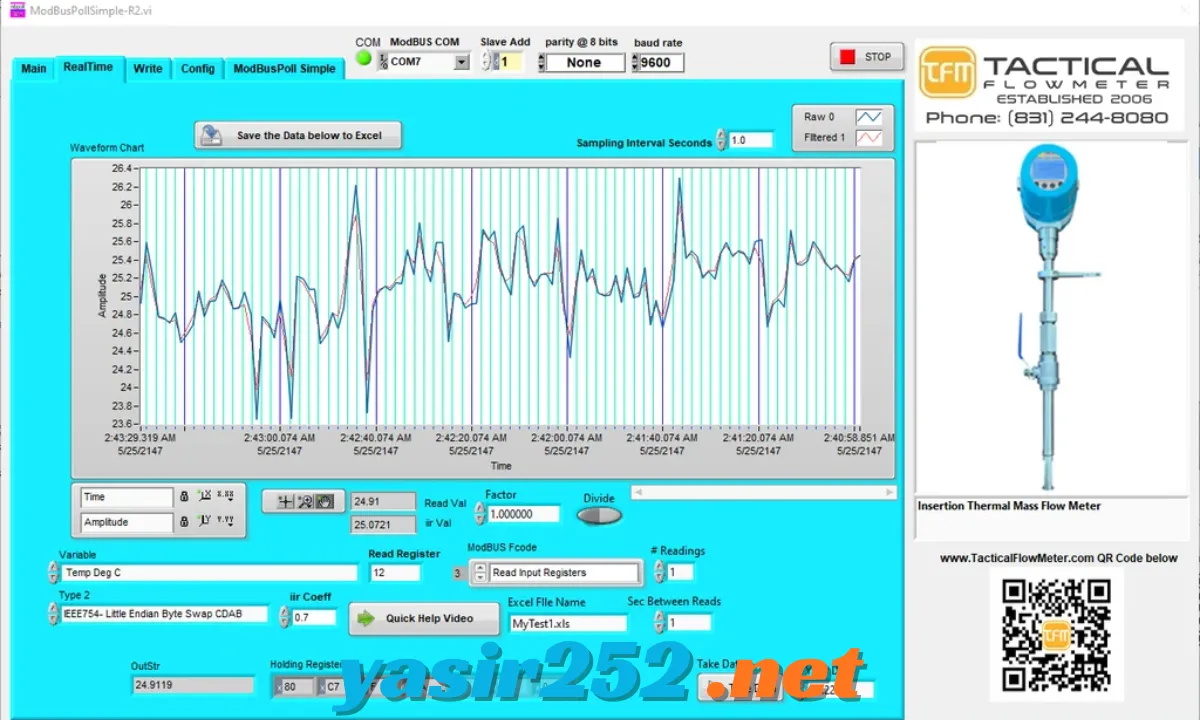
Modbus Poll Software Information
| Field | Details |
|---|---|
| Title | Modbus Poll |
| Genre | Industrial Communication / Modbus Testing Software |
| Developer | Witte Software |
| Publisher | Witte Software |
| Franchise | Modbus Tools |
| Release Date | Original release date varies by version |
| Latest Version | 13.2.1 Build 2558 (listed on the official download page) |
| Operating System | Windows 7, 8, 8.1, 10, and 11 (as listed by the developer) |
| Architecture | 32-bit, 64-bit, and ARM64 installers |
| License | Commercial software with a time-limited demonstration |
| Official Website | https://www.modbustools.com/ |
What Is Modbus Poll?
Modbus Poll is a Modbus master/client simulator that allows users to communicate with Modbus-compatible devices from a Windows computer. It is commonly used in industrial automation environments to test PLCs, controllers, meters, sensors, and other equipment that communicates using the Modbus protocol.
The software provides tools for reading and writing register values, viewing data in real time, configuring communication parameters, and troubleshooting Modbus connections. It supports serial-based communication and Modbus TCP/IP, making it useful for both RS485 installations and Ethernet-connected devices. Engineers can use it to verify register addresses, inspect responses, test device communication, and identify problems during commissioning or maintenance.
Key Features of Modbus Poll
1. Modbus Master Simulator
Modbus Poll works as a Modbus master/client simulator that allows your computer to communicate with compatible industrial devices. It is useful for testing communication interfaces, checking register values, and troubleshooting Modbus-connected equipment.
2. Modbus TCP/IP Communication
Connect to Modbus TCP/IP devices over Ethernet networks. You can configure the target IP address, port, device ID, and communication settings to read or write data from supported Modbus servers.
3. RS232 and RS485 Support
Modbus Poll supports serial communication using Modbus RTU and ASCII through RS232 or RS485 interfaces. USB-to-serial adapters can also be used when the computer does not have a built-in serial port.
4. Read Holding Registers
Read holding registers from connected Modbus devices using function code 03. This feature helps you monitor equipment parameters, controller values, and other register-based data.
5. Read Input Registers
Read input registers using Modbus function code 04. It is useful for checking measurement values and other information exposed by a Modbus device through its input registers.
6. Read and Write Coils
Read and write coil states using supported Modbus functions. This allows technicians to test digital outputs and communication behavior, but writing should only be performed when authorized and safe for the connected equipment.
7. Real-Time Data Monitoring
Monitor register values and device responses through data windows. The polling interval can be configured to suit the device and communication link, within practical communication limits.
8. Multiple Data Windows
Open multiple data windows to monitor different register ranges or devices simultaneously. This makes it easier to compare values, monitor different data areas, and organize a testing session.
9. Data Logging
Log Modbus data to text files or directly to Microsoft Excel, depending on the supported configuration. Data logging is useful for monitoring trends, troubleshooting, and documenting testing results.
10. Register Display Formats
Display register values using different formats, including signed and unsigned integers, hexadecimal, binary, floating-point values, and other supported representations. Byte and word ordering options help interpret multi-register values correctly.
11. Communication Traffic Monitoring
Inspect communication traffic generated by Modbus Poll to review requests, responses, and errors. This helps identify problems during device testing and network troubleshooting.
12. Address Scan
Scan register addresses to locate valid data areas on a device. Address scanning can help when documentation is incomplete, but it should be performed carefully to avoid unnecessary requests or unintended device behavior.
13. Slave ID Scan
Scan a range of device IDs to identify responding Modbus devices on a network or communication connection. This is useful when commissioning or troubleshooting a Modbus installation.
14. Real-Time Charts
Visualize selected values through supported charting features. Graphs can help you observe changing measurements, detect patterns, and evaluate equipment behavior over time.
15. Excel Integration
Modbus Poll provides OLE Automation support, allowing integration with applications such as Microsoft Excel and VBA. This can be useful for creating custom monitoring workflows and collecting data for further analysis.
16. Test Center
Use the Test Center to compose and test custom communication strings. It can help experienced technicians and developers examine Modbus message behavior and test communication scenarios.
17. Workspace Saving
Save workspaces to retain configured data windows and their layout. This helps you reopen monitoring setups without rebuilding the entire configuration each time.
18. Modbus UDP/IP
Modbus Poll supports UDP-based communication configurations for compatible devices and systems. This can be useful when working with equipment or applications that use Modbus over UDP.
19. Modbus TCP Security
The software documentation lists support for Modbus/TCP Security connections. The availability of this functionality depends on the connected device and the security configuration used.
20. Automation and Scripting
Use the Automation interface to interact with Modbus Poll from compatible programming environments. Examples in the documentation demonstrate integration workflows involving Excel VBA and Python.
Modbus Poll TCP/IP Setup
Modbus Poll can communicate with devices over Ethernet using Modbus TCP/IP. This connection method is commonly used with PLCs, industrial meters, controllers, gateways, and other network-connected Modbus equipment.
How to Configure Modbus TCP/IP
-
Open Modbus Poll on your Windows computer.
-
Select Connection from the menu and open the connection settings.
-
Choose Modbus TCP/IP as the connection type.
-
Enter the IP address of the Modbus device.
-
Configure the port, normally 502 for standard Modbus TCP.
-
Set the appropriate Unit ID or device ID.
-
Configure the timeout settings if necessary.
-
Click Connect to establish communication.
-
Open the Read/Write Definition window and configure the register address, function code, and number of registers.
-
Start monitoring the data and verify the values.
Modbus Poll RS485 Setup
Modbus Poll also supports Modbus RTU and ASCII communication through serial connections, including RS485 networks.
How to Connect Using RS485
-
Connect your PC to the RS485 network using a compatible serial adapter.
-
Open Modbus Poll.
-
Select the serial connection option.
-
Choose the correct COM port.
-
Configure the baud rate, parity, data bits, and stop bits according to your device documentation.
-
Select RTU or ASCII mode as required.
-
Enter the correct slave ID.
-
Configure the register address and function code.
-
Start the communication and check the responses.
Before writing registers or coils, confirm the target address and the effect of the command with the device documentation. Incorrect writes can change equipment operation.
Common Modbus Poll Errors and Troubleshooting
Modbus Poll is useful for troubleshooting Modbus communication, but error messages often originate from incorrect configuration, device limitations, communication wiring, or register definitions.
Modbus Poll 02 Illegal Data Address
The error Illegal Data Address generally means that the device received a request but the requested data address or range is not valid for that device.
Possible causes include:
-
Incorrect register address.
-
Incorrect starting address or offset.
-
Reading registers that the device does not support.
-
Requesting too many registers in a single operation.
-
Selecting the wrong function code.
-
Confusing one-based register notation with zero-based Modbus addresses.
How to fix it: Check the device’s register map, verify the function code, confirm the starting address, and reduce the number of requested registers. Modbus Poll uses zero-based Modbus addresses, so a register documented as 40001 may correspond to address 0 in the software, depending on the device documentation.
Byte Missing Error in Modbus Poll
A byte-missing or incomplete-response error may indicate that Modbus Poll did not receive the expected response bytes.
Common reasons include:
-
Incorrect baud rate or serial configuration.
-
Loose RS485 wiring.
-
Communication interference.
-
Incorrect timeout settings.
-
Device response delays.
-
Faulty serial adapters or cables.
How to fix it: Verify the serial configuration, inspect the wiring, check the device ID, increase the response timeout if appropriate, and make sure the device is responding correctly.
Read Error: Break Condition
A break-condition or read error can occur during serial communication when the received signal or serial communication state is not as expected.
Possible causes include:
-
Incorrect serial port configuration.
-
Electrical noise on the RS485 line.
-
Wiring or grounding problems.
-
Incorrect adapter settings.
-
A communication device that is not responding correctly.
How to fix it: Confirm the serial port and communication parameters, check the adapter and cable connections, inspect the RS485 network, and test communication using a known-good configuration.
Modbus Poll Not Connecting
If Modbus Poll cannot connect to a device over TCP/IP, check the following:
-
Verify the target IP address.
-
Confirm the device is reachable on the network.
-
Check that the Modbus TCP port is enabled.
-
Verify the correct port number.
-
Check firewall settings.
-
Confirm the device is configured to accept Modbus connections.
-
Verify the Unit ID and connection settings.
Incorrect Register Values
If Modbus Poll connects successfully but displays unexpected values, check the following:
-
Confirm the correct register address.
-
Verify whether the register is signed or unsigned.
-
Check 16-bit, 32-bit, or 64-bit data representation.
-
Verify byte and word ordering.
-
Confirm the correct function code.
-
Check the device’s scaling and engineering-unit documentation.
Is Modbus Poll Free?
Modbus Poll is commercial software developed by Witte Software. It offers an evaluation version, but it is not fully free software.
According to the developer’s licensing information, the software is available for evaluation for 30 days. Registration is required for continued use beyond the evaluation period.
| Edition / License | Availability |
|---|---|
| Evaluation Version | Available for testing |
| Full Registered Version | Paid license |
| Free Full Version | Not officially offered as a permanent full license |
| Registration Key | Provided through legitimate licensing |
| Crack / Keygen | Not an official or legitimate licensing method |
The official download page currently lists a demonstration limitation of 10 minutes per connection, with repeated demo sessions available during the stated evaluation period, and a 30-day overall evaluation restriction. Check the installer and license terms for the edition you download, as demo conditions can vary.
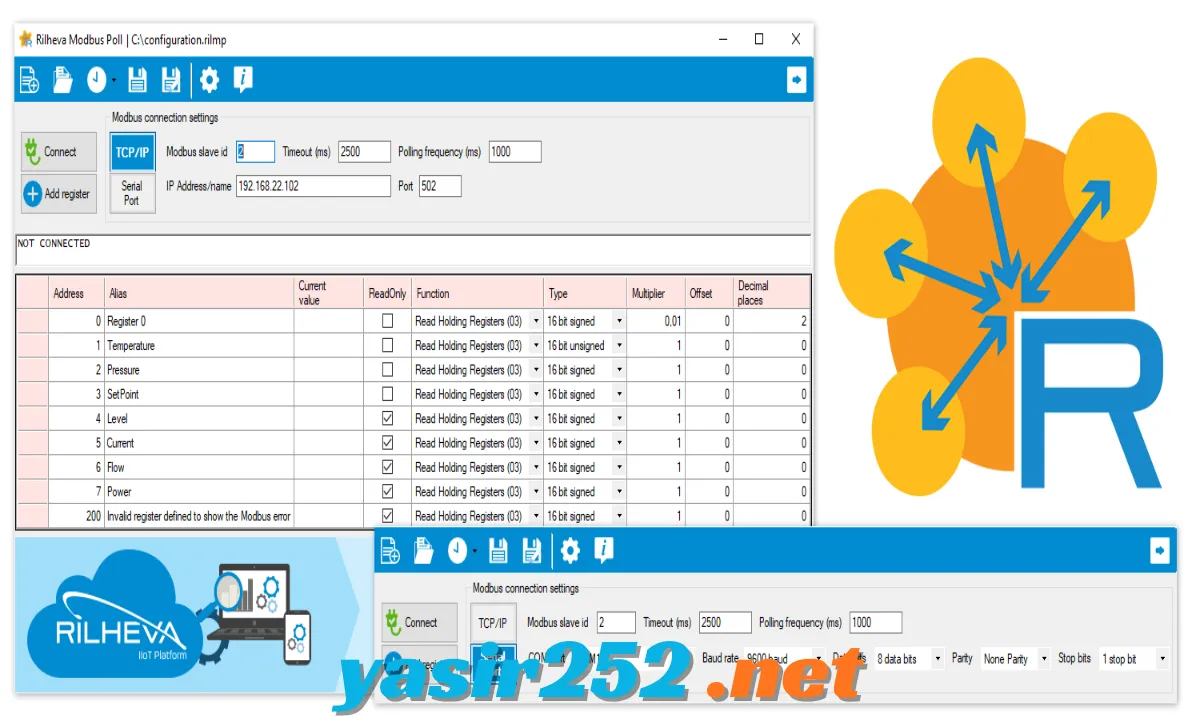
Modbus Poll Free Alternatives
If you need a free alternative to Modbus Poll, there are several options for testing Modbus communication, monitoring devices, and working with registers.
| Alternative | Main Features | License |
|---|---|---|
| QModMaster | Modbus RTU and TCP master simulator | Free / Open Source |
| mbpoll | Command-line Modbus communication testing | Free / Open Source |
| ModbusPal | Modbus slave simulation and testing | Free |
| Simply Modbus | Modbus testing utilities; licensing varies by product | Trial / Commercial |
| CAS Modbus Scanner | Modbus device testing and scanning | Availability varies by edition |
QModMaster
QModMaster is an open-source Modbus master application that can be useful for testing and monitoring Modbus devices. It is worth considering if you need a free graphical alternative for Modbus TCP and serial communication.
mbpoll
mbpoll is a command-line utility for communicating with Modbus devices. It is useful for automation engineers and developers who prefer terminal-based tools or want to integrate Modbus testing into scripts.
ModbusPal
ModbusPal is a Modbus slave simulator that can help developers and technicians simulate Modbus devices during software testing and development. It is useful when a physical PLC or Modbus device is unavailable.
Simply Modbus
Simply Modbus provides Modbus-related communication tools. Check the specific product and licensing information to determine whether its trial or licensed functionality suits your needs.
How to Download Modbus Poll
Follow these steps to download the official Modbus Poll software for your PC.
-
Visit the official website: https://www.modbustools.com/
-
Open the Modbus Poll download page.
-
Select the installer for your system, such as 64-bit Windows, 32-bit Windows, or ARM64 where available.
-
Download the setup file.
-
Run the installer.
-
Follow the installation instructions.
-
Launch Modbus Poll and configure your Modbus connection.
Official Download Page: https://www.modbustools.com/download.html
Frequently Asked Questions (FAQs)
1. What is Modbus Poll software?
Modbus Poll is a Modbus master simulator used to read, write, monitor, and test Modbus-compatible devices through serial and network communication.
2. Is Modbus Poll free?
Modbus Poll offers an evaluation version, but the full software requires a paid registration license.
3. What is the latest version of Modbus Poll?
The latest version can change. Check the official Witte Software download page for the current release and installer details.
4. Does Modbus Poll support Windows 11?
Yes, the developer lists Windows 11 support for current Modbus Poll releases.
5. Does Modbus Poll support Modbus TCP/IP?
Yes, Modbus Poll supports Modbus TCP/IP communication over Ethernet networks.
6. Can Modbus Poll work with RS485?
Yes, Modbus Poll supports Modbus RTU and ASCII serial communication through RS232 and RS485 interfaces using compatible adapters.
7. What is Modbus Poll used for?
It is used for industrial communication testing, reading registers, writing supported data, troubleshooting communication problems, monitoring equipment, and testing Modbus devices.
8. What is Modbus Poll 02 Illegal Data Address?
This error generally indicates that the device rejected the requested data address or register range. Check the register map, starting address, function code, and requested data quantity.
9. How do I fix a Byte Missing error in Modbus Poll?
Check the serial settings, RS485 wiring, device response, communication timing, and timeout settings. The problem may be related to incomplete or corrupted communication data.
10. How do I use Modbus Poll over TCP/IP?
Choose the Modbus TCP/IP connection type, enter the device IP address and port, configure the Unit ID, connect, and define the register addresses you want to monitor.
11. Can Modbus Poll read holding registers?
Yes, Modbus Poll supports reading holding registers using Modbus function code 03.
12. Can Modbus Poll write registers?
Yes, it supports supported write functions for coils and registers. Writing should be performed carefully and only when authorized.
13. Does Modbus Poll support data logging?
Yes, it can log data to text files and directly to Microsoft Excel through supported functionality.
14. Can Modbus Poll display floating-point values?
Yes, it supports different data formats, including floating-point values and different byte and word ordering configurations.
15. Is Modbus Poll portable?
The official download page primarily lists installation packages. Check the official documentation for portable-use options rather than assuming the installer provides a standalone portable edition.
16. What is Modbus Poll registration key?
A registration key is a legitimate license credential supplied through the software’s licensing process to activate registered use. It is not the same as an unofficial crack or key generator.
17. Can Modbus Poll connect to PLCs?
Yes, it can communicate with compatible PLCs and other Modbus devices through supported serial and Ethernet connections.
18. What is the default Modbus TCP port?
The standard Modbus TCP port is 502, although a device or network configuration may use a different port.
19. Is QModMaster a free alternative to Modbus Poll?
QModMaster is an open-source Modbus master application and can be a useful free alternative for many Modbus testing tasks.
20. Where can I download Modbus Poll safely?
Download Modbus Poll from the official Witte Software website at https://www.modbustools.com/ to avoid unofficial installers and potentially unsafe modified files.
Final Words
Modbus Poll is a useful industrial communication tool for engineers, PLC programmers, automation technicians, and developers working with Modbus-compatible equipment. Its support for Modbus TCP/IP, RTU, ASCII, register monitoring, data logging, communication traffic inspection, and automation integration makes it a practical choice for testing and troubleshooting industrial communication systems.
If you’re looking for Modbus Poll download in 2027, use the official Witte Software website to obtain the appropriate installer and evaluate the software before purchasing a license. Whether you’re testing an RS485 connection, troubleshooting an illegal data address, or monitoring Modbus TCP/IP registers, Modbus Poll provides a flexible environment for working with Modbus devices.