
Windows Movie Maker 11.0.0.8 Multilingual Download – Free Video Editor for Windows
Windows Movie Maker is a classic video-editing program developed by Microsoft for users who want to create simple videos, photo slideshows, and personal presentations. It became popular because of its easy interface, basic editing tools, transitions, titles, and music features.
If you’re looking for Windows Movie Maker free download, it’s important to know that Microsoft discontinued the original application in 2017. The final release was Movie Maker 2012, included in Windows Essentials 2012. It was completely free when officially available, but Microsoft no longer provides its original installer. Today, you can explore its classic features or use Microsoft Clipchamp as a modern alternative.
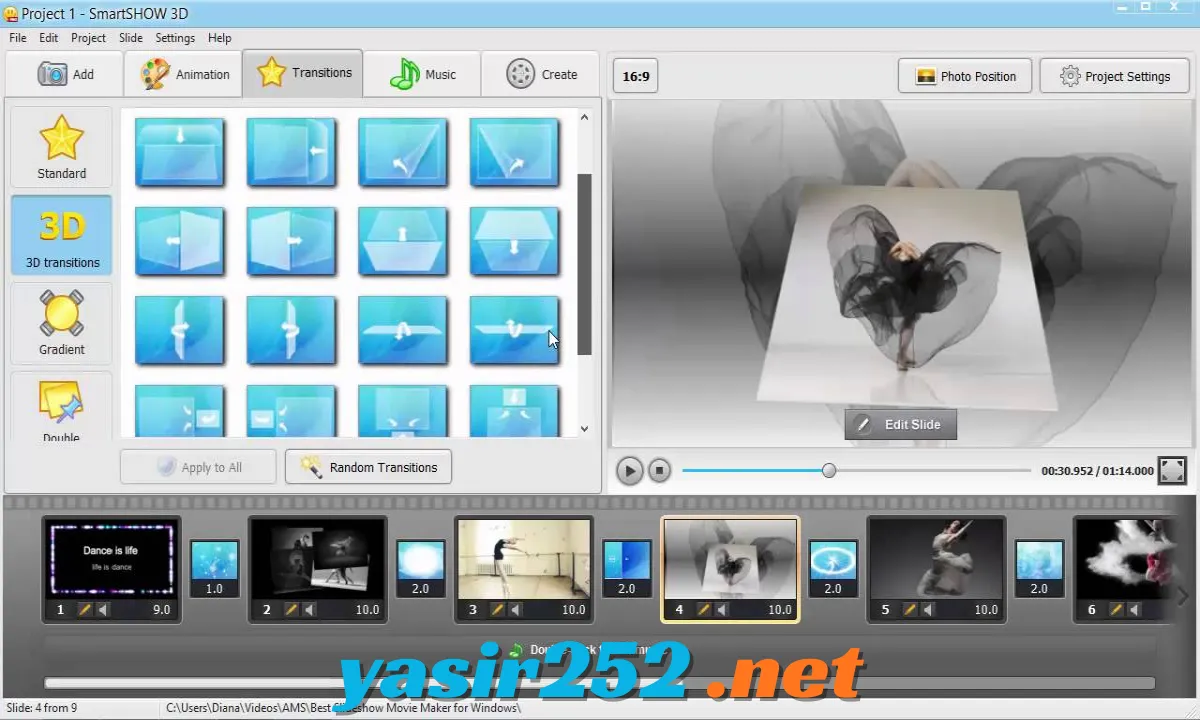
Windows Movie Maker – Software Information
| Field | Details |
|---|---|
| Title | Windows Movie Maker |
| Genre | Video Editing Software |
| Developer | Microsoft Corporation |
| Publisher | Microsoft Corporation |
| Franchise | Windows Essentials |
| Release Date | 2000 (Original Release) |
What Is Windows Movie Maker?
Windows Movie Maker is a beginner-friendly video editor that allows you to combine video clips, photos, music, and text into a single project. You can trim footage, add transitions, create titles, and arrange media using a simple timeline or storyboard. It was designed for everyday users who wanted to make videos without learning complicated editing software.
One of the main reasons people still search for Movie Maker is its straightforward editing experience. Whether you’re creating a family slideshow, travel video, school presentation, or personal project, its basic tools make the process simple. Even though Microsoft has discontinued it, the software remains a familiar name among longtime Windows users.
Important Features of Windows Movie Maker
– Easy Video Editing: Combine multiple video clips and images into one project. Its simple interface makes basic editing accessible to beginners.
– Video Trimming: Remove unwanted footage from the beginning, middle, or end of your clips. This helps you create cleaner and more focused videos.
– Video Splitting: Divide longer recordings into smaller sections for easier editing. You can rearrange individual clips to create your preferred sequence.
– Photo Slideshow Creation: Turn your favorite pictures into an attractive slideshow. Add transitions, titles, and music to make your memories more engaging.
– Transitions and Effects: Apply different transitions between clips and images. You can also use built-in visual effects to change the appearance of your footage.
– Titles and Captions: Add opening titles, subtitles, captions, and closing credits. Customize the text to give your video a more professional presentation.
– Background Music: Import music and audio files into your project. Adjust the soundtrack to match the mood and timing of your video.
– Audio Narration: Add recorded narration to explain your content or tell a story. This is useful for tutorials, presentations, and educational videos.
– Timeline Editing: Arrange video clips, pictures, titles, and audio tracks using the editing timeline. It gives you better control over the order and timing of your project.
– Storyboard View: Organize media visually using the storyboard interface. This makes it easier to plan the sequence of your video.
– AutoMovie Themes: Apply ready-made themes to your project with coordinated transitions, titles, and music. It’s a quick way to create a finished-looking video.
– Video Stabilization: Movie Maker 2012 includes stabilization options for supported Windows configurations and compatible video footage.
– Video Preview: Watch your project while editing to check the timing, transitions, effects, and overall appearance before exporting.
– HD Video Export: Save completed projects using supported video quality and resolution settings, including HD output options.
– Multiple Media Formats: Import supported video, image, and audio formats. Compatibility depends on the Movie Maker version and available system codecs.
– YouTube Sharing: Older releases included online sharing features for publishing videos. Some connected services are no longer available.
– Editable Project Files: Save your Movie Maker project so you can return later and make additional changes before creating the final video.
– Beginner-Friendly Interface: Work with familiar editing controls and simple menus instead of complicated professional editing tools.
Windows Movie Maker Versions
Microsoft released several versions of Movie Maker for different Windows operating systems. The final version was distributed through Windows Essentials 2012.
| Version | Details |
|---|---|
| Windows Movie Maker 1.0 | Original release for Windows ME |
| Windows Movie Maker 2.x | Improved editing features and visual effects |
| Windows Movie Maker 6.0 | Included with Windows Vista |
| Windows Live Movie Maker 2009 | Updated interface and editing workflow |
| Windows Live Movie Maker 2011 | Additional editing improvements |
| Windows Movie Maker 2012 | Final Windows Essentials release, version 16.4.3528.0331 |
Note: Microsoft has not released an official Windows Movie Maker 2026 edition. Websites advertising newer versions under this name may be offering unofficial or modified software.
Is Windows Movie Maker Free to Download?
Yes, the original Windows Movie Maker was completely free when Microsoft officially distributed it through Windows Essentials 2012. However, Microsoft discontinued the application and removed its official installer in January 2017.
| License Information | Details |
|---|---|
| Original License | Freeware |
| Free Version | Yes, historically |
| Paid Version | No official paid edition |
| Free Trial | Not applicable |
| Official Download | No longer available |
| Current Support | Discontinued |
Important: Be careful when downloading Movie Maker from third-party websites. Unofficial installers may include unwanted programs, malware, fake activation tools, or hidden charges. There is no currently supported official Microsoft installer.
System Requirements for Windows Movie Maker 2012
The following requirements describe the older Windows Essentials 2012 environment. Compatibility with modern Windows versions is not guaranteed.
| Component | Requirements |
|---|---|
| Operating System | Windows 7, Windows 8, Windows 8.1 |
| Processor | 1.6 GHz or faster |
| RAM | 1 GB minimum |
| Graphics | DirectX 9 graphics device with WDDM driver |
| Display | 1024 × 576 minimum |
| Storage | Available space for installation and video projects |
| Internet | Required for certain online features |
Windows 10 and Windows 11: Movie Maker is discontinued and has no officially supported installation method for these operating systems. Older copies may not work correctly.
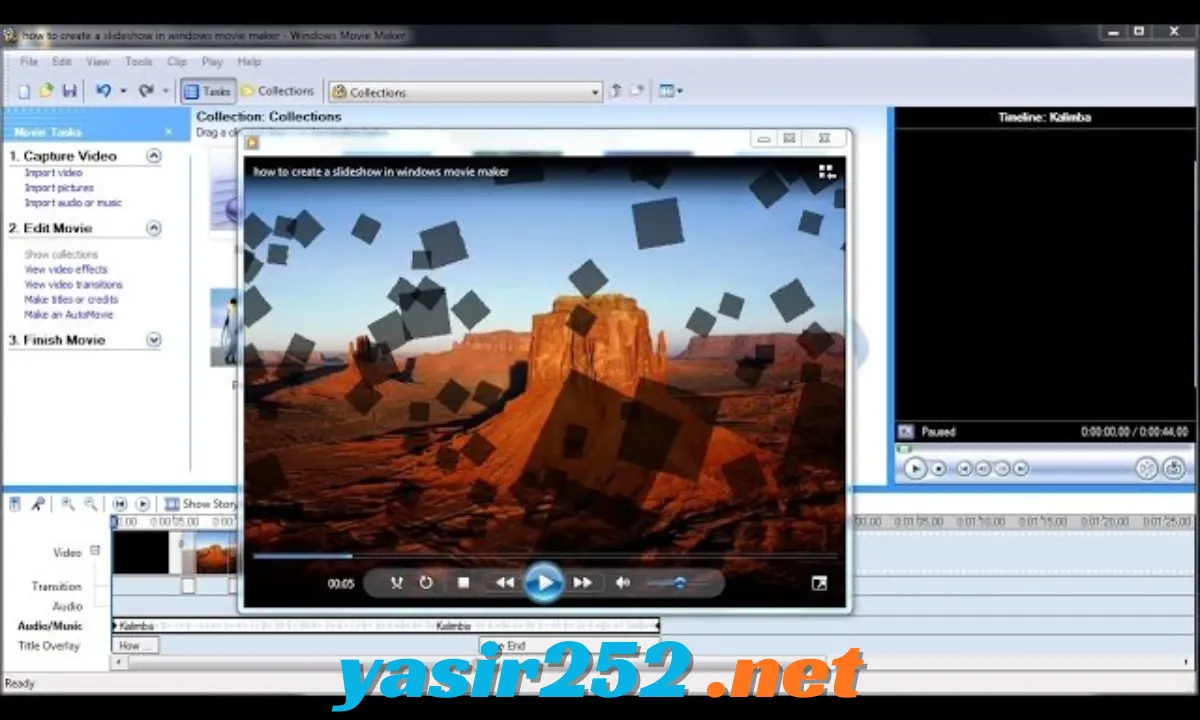
How to Download Windows Movie Maker
Microsoft no longer provides an official download for Windows Movie Maker 2012. If you already have an original Windows Essentials installer, take these precautions before using it:
-
Make sure the installer comes from a trustworthy source.
-
Scan the installation file with Microsoft Defender or another reputable antivirus.
-
Avoid modified installers, cracked packages, and activation tools.
-
Consider testing older software in a virtual machine.
-
Do not enter personal or payment information into unofficial download websites.
Official Microsoft Alternative:
Best Alternative to Windows Movie Maker – Microsoft Clipchamp
Clipchamp is Microsoft’s modern video editor for creating videos, slideshows, and social media content. It includes video trimming, transitions, text, music, templates, and export options.
Free plan available, with additional features depending on subscription.
Clipchamp is a practical replacement for users who want a simple editing experience on modern Windows computers. Although its interface is different from classic Movie Maker, it covers many of the same basic editing tasks.
How to Use Microsoft Clipchamp
-
Open the Windows Start menu and search for Clipchamp.
-
Launch the application and sign in with your Microsoft account.
-
Select Create a new video.
-
Import your video clips, photos, and audio files.
-
Drag your media onto the editing timeline.
-
Add transitions, text, effects, and background music.
-
Preview your project and make the necessary adjustments.
-
Export your finished video using an available resolution.
Frequently Asked Questions
1. Is Windows Movie Maker free?
Yes, the original Windows Movie Maker was free software distributed through Windows Essentials 2012. However, Microsoft discontinued it in 2017.
2. Can I download Windows Movie Maker for Windows 11?
There is no current official Microsoft download or supported installation method for Windows 11.
3. What is the latest version of Windows Movie Maker?
The final release was Windows Movie Maker 2012, version 16.4.3528.0331.
4. Is Windows Movie Maker still supported?
No. Microsoft discontinued Windows Essentials 2012 support on January 10, 2017.
5. Can I use Windows Movie Maker on Windows 10?
Some previously installed copies may still work, but Microsoft does not guarantee compatibility or provide support.
6. Does Windows Movie Maker support MP4?
Movie Maker 2012 supports MP4 files when they use compatible encoding and codecs.
7. Can I add music to Windows Movie Maker?
Yes. You can import audio tracks, add background music, and adjust audio levels.
8. Can I create photo slideshows with Movie Maker?
Yes. You can combine pictures with transitions, titles, and music to create slideshows.
9. Is Windows Movie Maker 2026 an official release?
No. Microsoft has not released an official 2026 edition of classic Windows Movie Maker.
10. What replaced Windows Movie Maker?
Microsoft Clipchamp is the modern video editor offered by Microsoft for supported Windows systems.
11. Can I install Movie Maker without Windows Essentials?
The original Movie Maker 2012 was distributed as part of Windows Essentials 2012. Microsoft no longer provides its official installation package.
12. Is it safe to download Movie Maker from third-party websites?
Be cautious. Unofficial installers may contain malware, unwanted applications, or misleading download offers. Always scan files before opening them.
Conclusion
Windows Movie Maker is still remembered as one of the easiest video editors for creating personal videos, photo slideshows, and simple presentations. Its transitions, titles, music tools, and beginner-friendly interface made video editing accessible to millions of Windows users.
Although the original application is no longer supported or officially available, its editing style remains popular. If you need a safe and modern solution for Windows 10 or Windows 11, Microsoft Clipchamp is a good alternative for creating and editing videos.